Ready to deploy
Start with a maintained runtime built around working production workflows.
Production AI Runtime for ComfyUI on RunPod
Run production-ready ComfyUI workflows in your own RunPod account — scale workers with demand while keeping control over infrastructure, data and operating costs.
WORKFLOW · PROMPT · API
WORKFLOW · RUNTIME · DEPLOYMENT
VERSIONED · VERIFIED · MAINTAINED
WORKFLOW · GPU · RESULT
YOUR APP · API · WEB SERVICE
Start with a maintained runtime built around working production workflows.
Receive versioned releases, documented changes and a stable integration contract.
Run verified runtime images that can add parallel workers as request volume grows.
One maintained production stack
Choose the package that fits the workflow complexity, startup behaviour and GPU capacity your product needs.

01 · GENERATE
Run production-ready ComfyUI generation workflows without rebuilding your infrastructure.

02 · EDIT
Deploy advanced editing workflows with the models and custom nodes your product depends on.
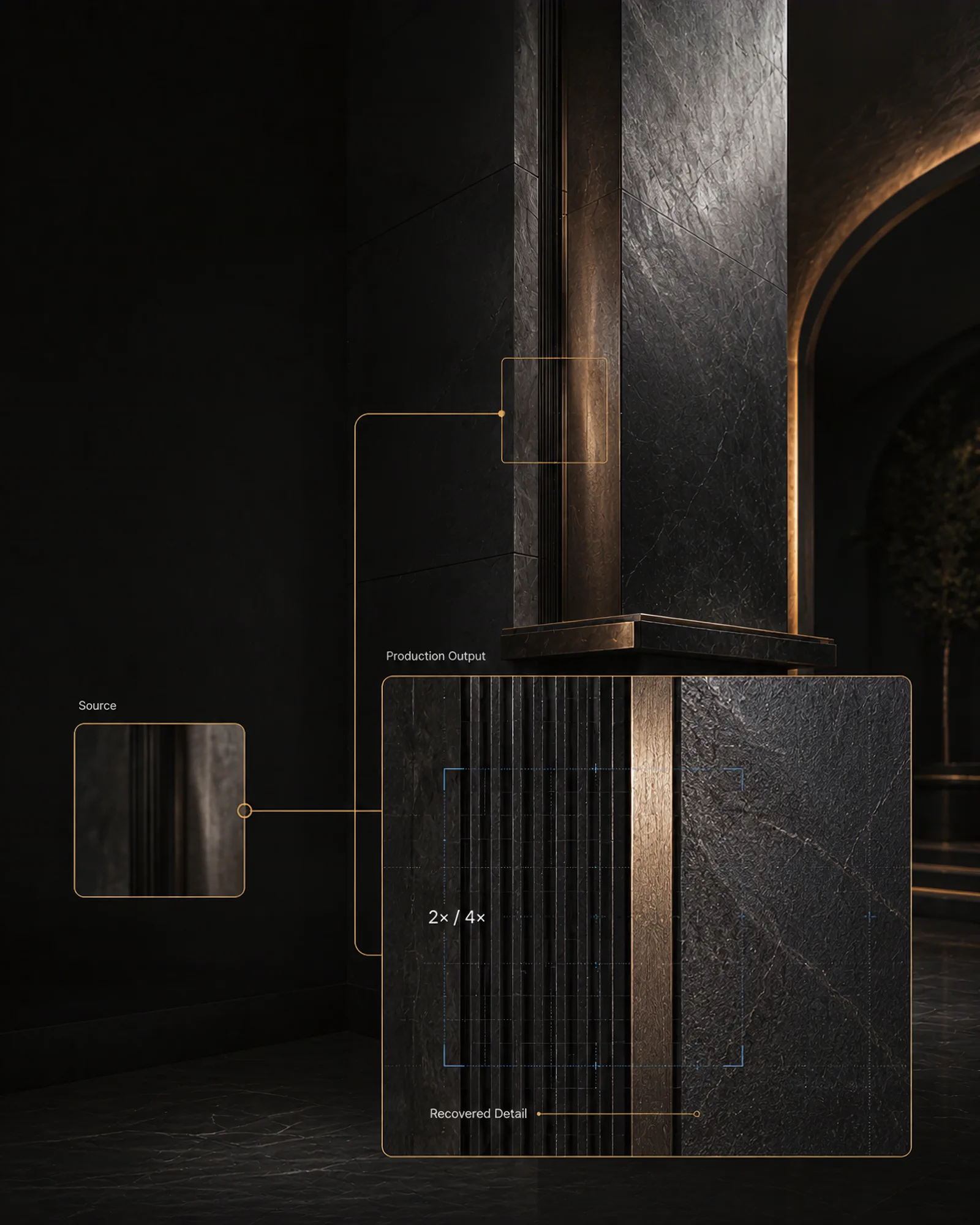
03 · UPSCALE
Process demanding, high-resolution outputs with a runtime built for production workloads.
RunPod Serverless, in your account
Deploy Comfy Rail as a RunPod Serverless endpoint in your own account. Start with one request, add parallel Flex workers as demand grows, and scale back to zero when traffic stops. You keep control of the GPU profile, supported deployment location, endpoint configuration and billing.
Throughput grows with worker count, GPU choice and workflow efficiency rather than a fixed image limit imposed by Comfy Rail.
RunPod bills Flex workers per second while they initialize and run. Configured idle timeout and storage are billed separately. See how Serverless billing works or compare current GPU pricing.
Flex workers can scale down completely when idle.
Compute is billed while workers initialize and run.
32 GB VRAM for fast image-generation and editing workloads.
Blackwell · 96 GB VRAM for larger workflow and model stacks.
Add workers automatically as queued request volume increases.
Select multiple compatible GPU types to improve availability.
RunPod remains the cloud provider and data processor. GPU availability, maximum workers and throughput depend on your RunPod account, endpoint settings, selected hardware and workflow. Data protection depends on your selected location, storage, DPA and application configuration.
How it works
Start with a working ComfyUI workflow or a clearly scoped production output we can map to a compatible workflow.
We package, configure and deploy the right maintained runtime profile in your RunPod account.
Call the documented API from your product backend and return results to the experience your users already use.
Add parallel workers for request spikes, use multiple GPU priorities for availability, and scale back to zero when idle.
Built for a clear use case
Apps, websites, SaaS products and public-facing services that need repeatable image generation, editing or upscaling behind their own API.
One-off internal image production, campaign-only creative work, unlimited workflow R&D, 24/7 operations or redistribution of runtime images.
End-user image tools, product visualisation, automated editing, high-resolution delivery and visual features inside an app, website or SaaS.
Compatible ComfyUI workflows can be reviewed, selected and adapted for a defined production result. Models and custom nodes are checked for runtime and licence fit.
We configure the endpoints, integrate and test agreed workflows, choose GPU profiles and verify API paths. Maintained releases and compatibility updates keep the runtime profiles current within the support scope.
FAQ
No. You deploy in your own RunPod account and connect the documented API to your own product.
Not necessarily. A proven workflow is the fastest starting point, but a clearly scoped production use case can also be matched to and adapted from compatible ComfyUI workflows during onboarding. Once deployed, you can send a different compatible workflow with every run; it does not have to be fixed at deployment. Each workflow must use the models, custom nodes and other components installed on that server. Open-ended workflow development, model training and major custom-node development are separate work.
Three maintained deployment packages: a lean Generate server, a larger Edit server for advanced multi-model workflows, and the highest-capability Upscale server for demanding high-resolution processing. The service also includes versioned releases, agreed workflow integration and testing, endpoint and GPU-profile setup, deployment documentation, API Contract v1, reference material, onboarding and maintenance within the defined support boundary.
RunPod Serverless can add parallel workers as request demand grows. We configure worker limits, scaling behaviour and compatible GPU priorities around the workload. Actual throughput depends on workflow execution time, selected GPUs, regional availability and your RunPod account quota.
RunPod bills your account directly. Flex workers are billed per second while they initialize and run; configured idle timeout, storage, GPU tier and worker count affect the total cost. View current RunPod Serverless GPU pricing.
Your path to production
Your email opens with a ready-to-send message. No workflow files or secrets are required for the first conversation.
Request a Demo